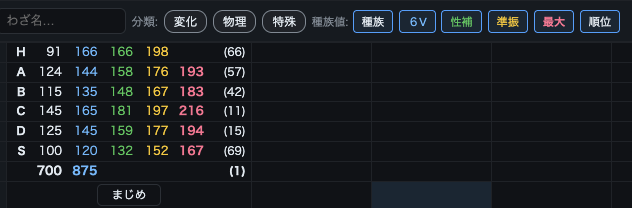
The Team Builder is an all-in-one tool for assembling a strong team. Pick a Pokémon, explore the moves it can learn, and set base stats and actual stats (nature / EVs) to check your Pokémon's strength and how your points are allocated. Keeping this page open during a battle also helps you track what moves the opponent's Pokémon might have.
1Pick a Pokémon for a slot
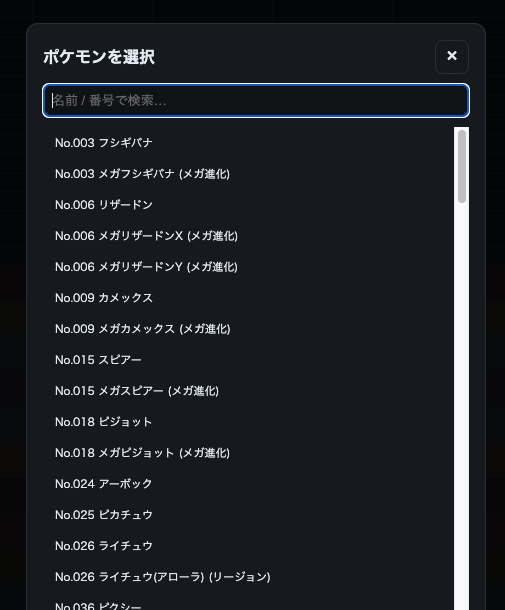
Choose a Pokémon from + Select in each slot. You can search by name or Pokédex number, and Mega Evolutions and regional forms are available too.
2Choose moves
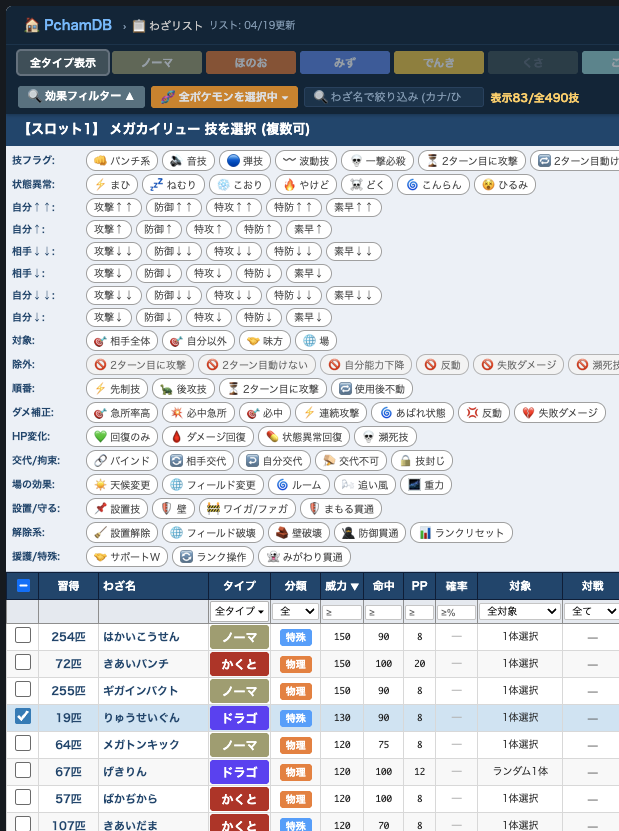
Click the move area under a Pokémon's name to open the move list (Team Builder version). Check the moves you want from the ones it can learn, then confirm.
3Set stats
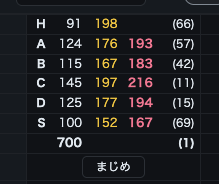
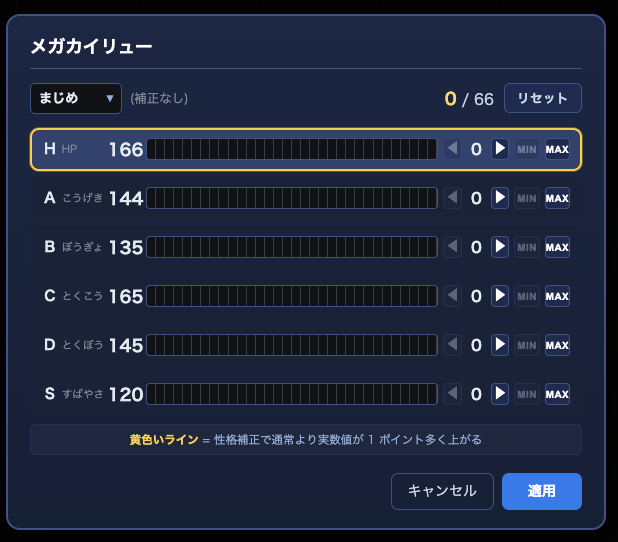
Click the stats area to open the settings popup. Pick a nature and assign EVs to each stat, and the actual stats are calculated on the spot. The MIN / MAX buttons let you max out quickly.
4Toggle displays & move slots
Use the Base / 6V / Nature / EV252 / Max / Rank buttons to show or hide each set of numbers. You can also drag a slot to move it to another slot.